
Install
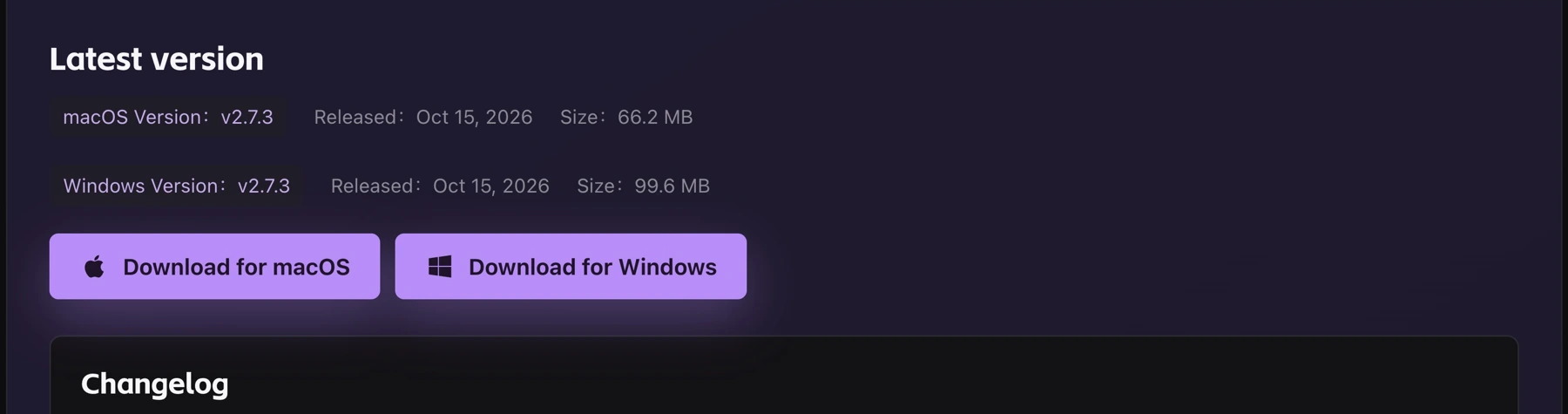
- Open the official download page and choose your operating system.
- Windows: run the installer and follow the prompts.
- macOS: open the DMG, drag HaoCut into Applications, then launch it.
Update
- Open Settings → Basic and click Check for updates in the version section.
- Follow the update prompts. You can also install the latest package from the download page.

Wait for transcription, indexing, and export tasks to finish before updating.