
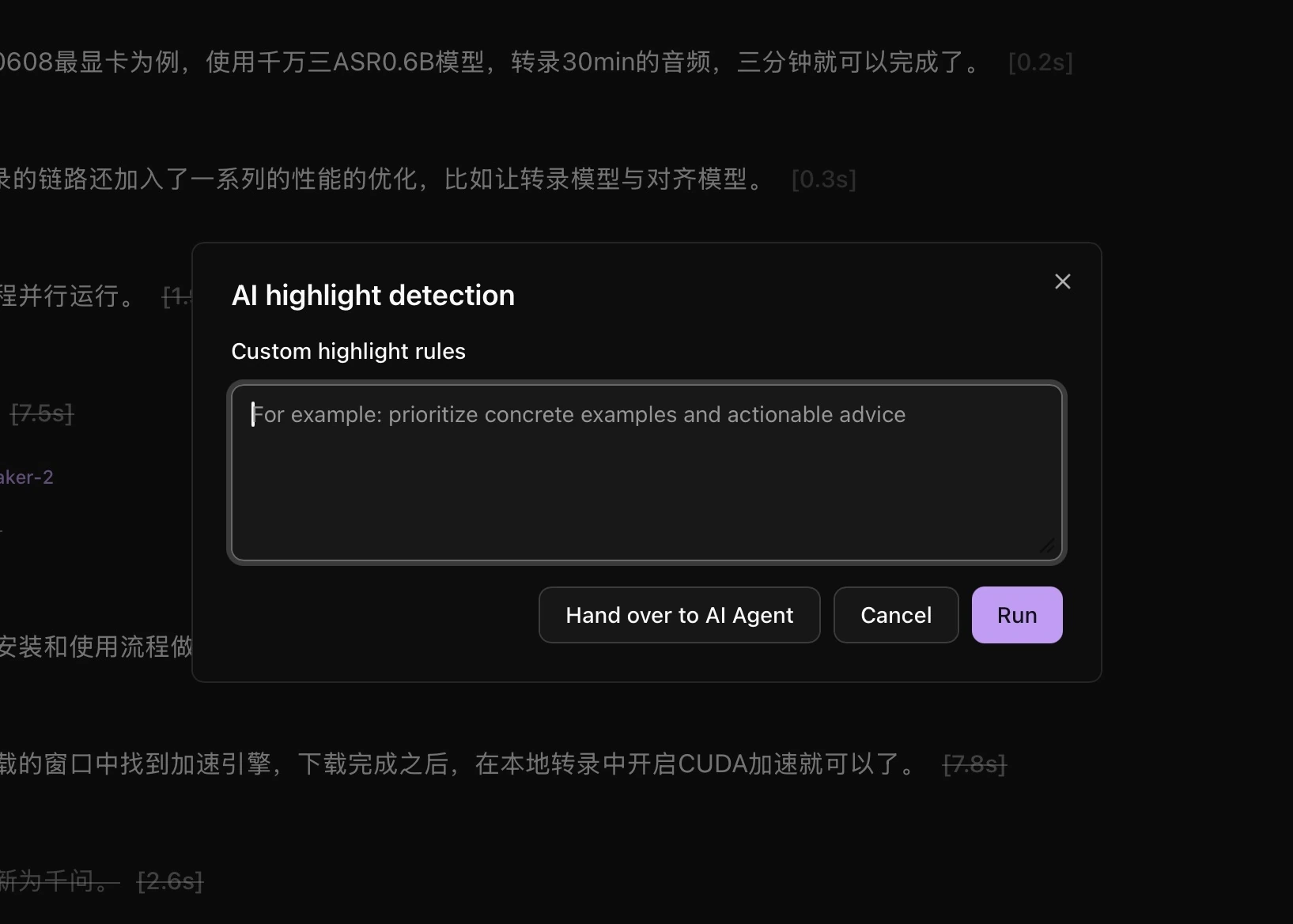
- Open a transcribed file and click AI highlight detection.
- Enter custom highlight rules if needed, or leave the field empty.
- Click Run and wait for completion in Task queue.
- Open Highlight list and listen to each clip to check its start and end.
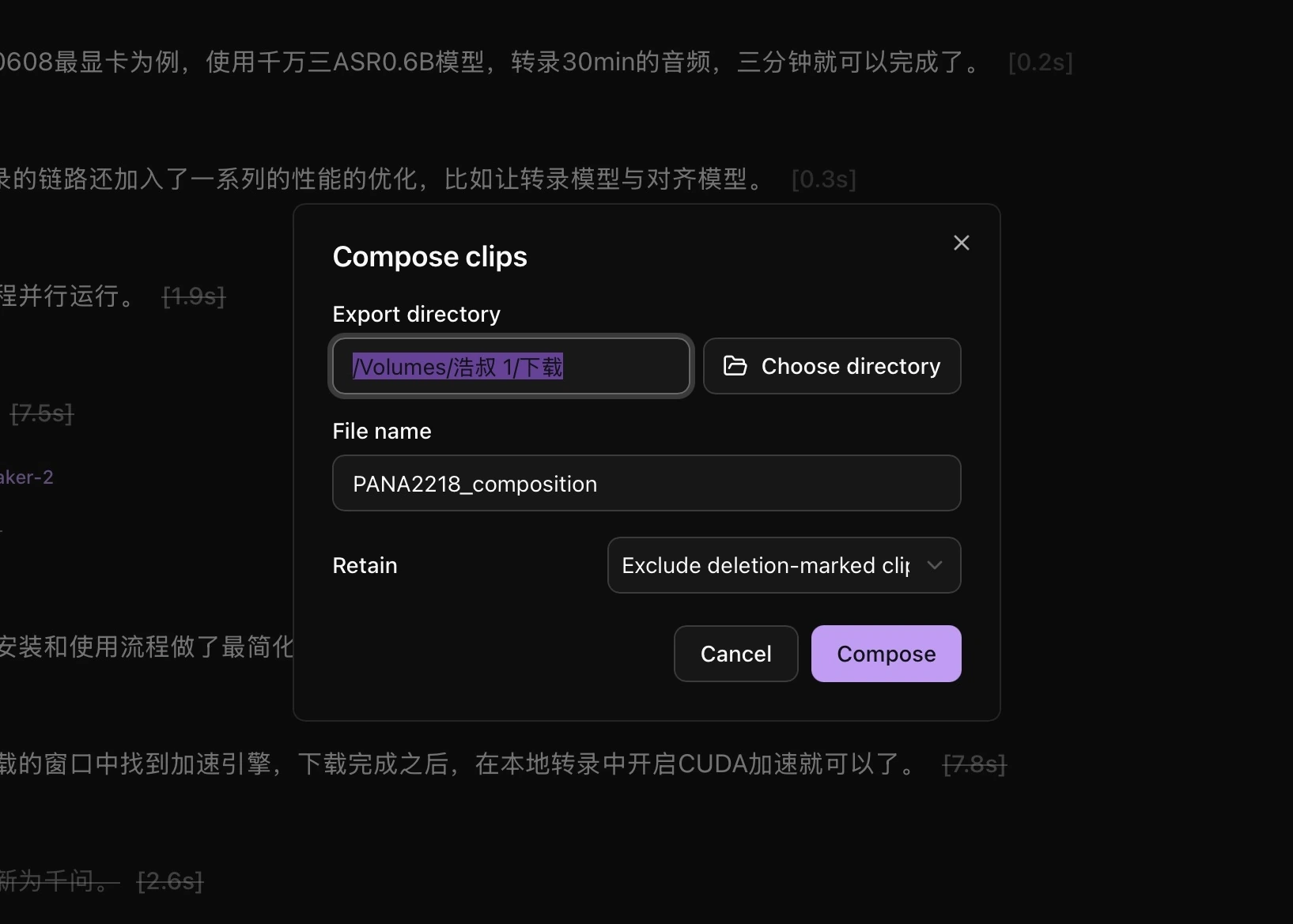
- For a highlight compilation, choose Export → Compose and retain Highlight clips.
You can also select transcript text to add highlights manually.
Workspace highlights
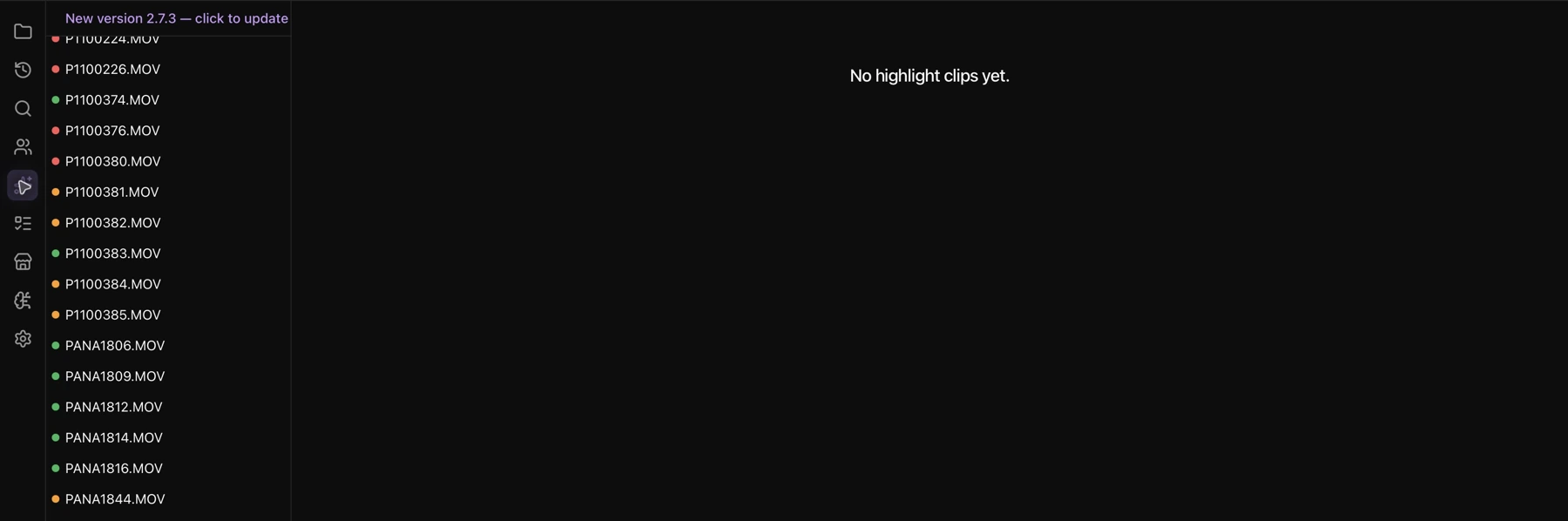
Click Highlights in the left navigation to browse highlights across the workspace, then click a clip to open its source. The list is empty until highlights have been marked.
To use an external agent, see AI Agent collaboration.