
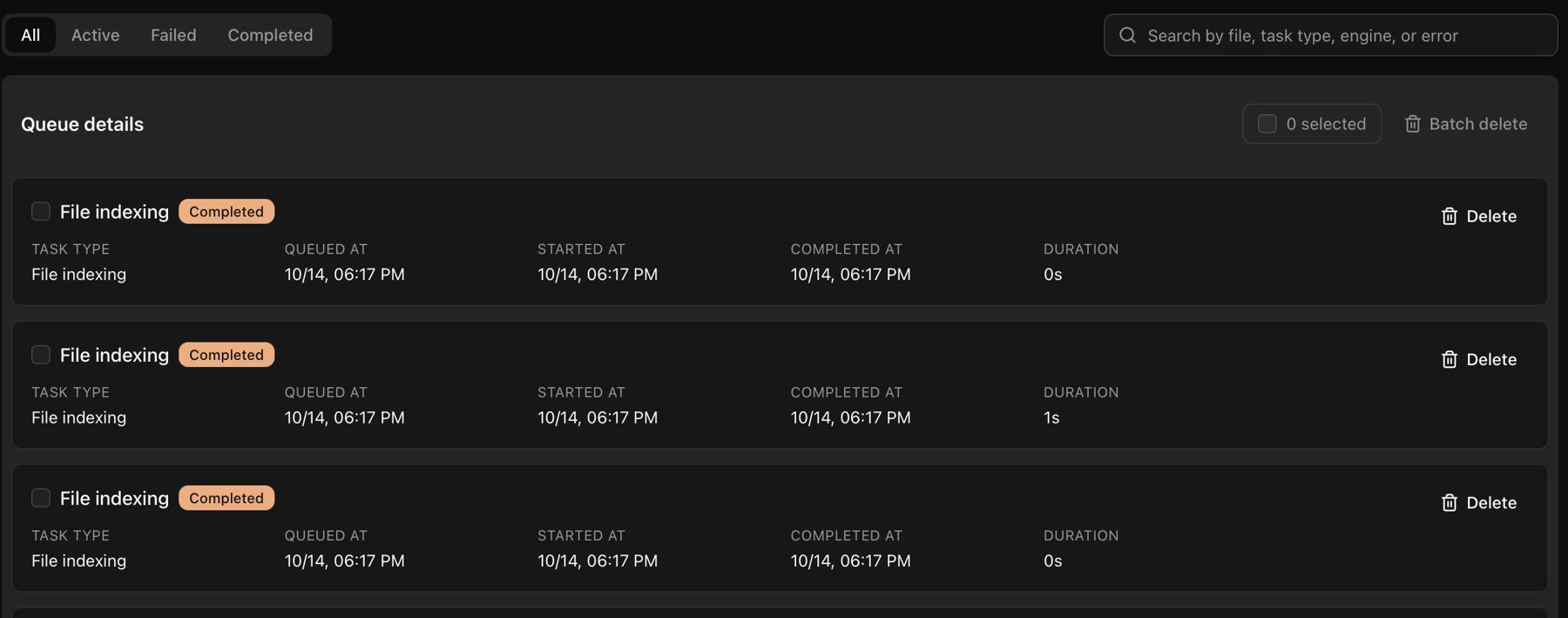
- Click Task queue in the left navigation.
- Switch between All, Active, Failed, and Completed to check task progress.
- Search by file name, task type, or an error keyword to find a task.
- For a failed task, read the error first. Resolve the media, model, or network issue, then use its retry action.
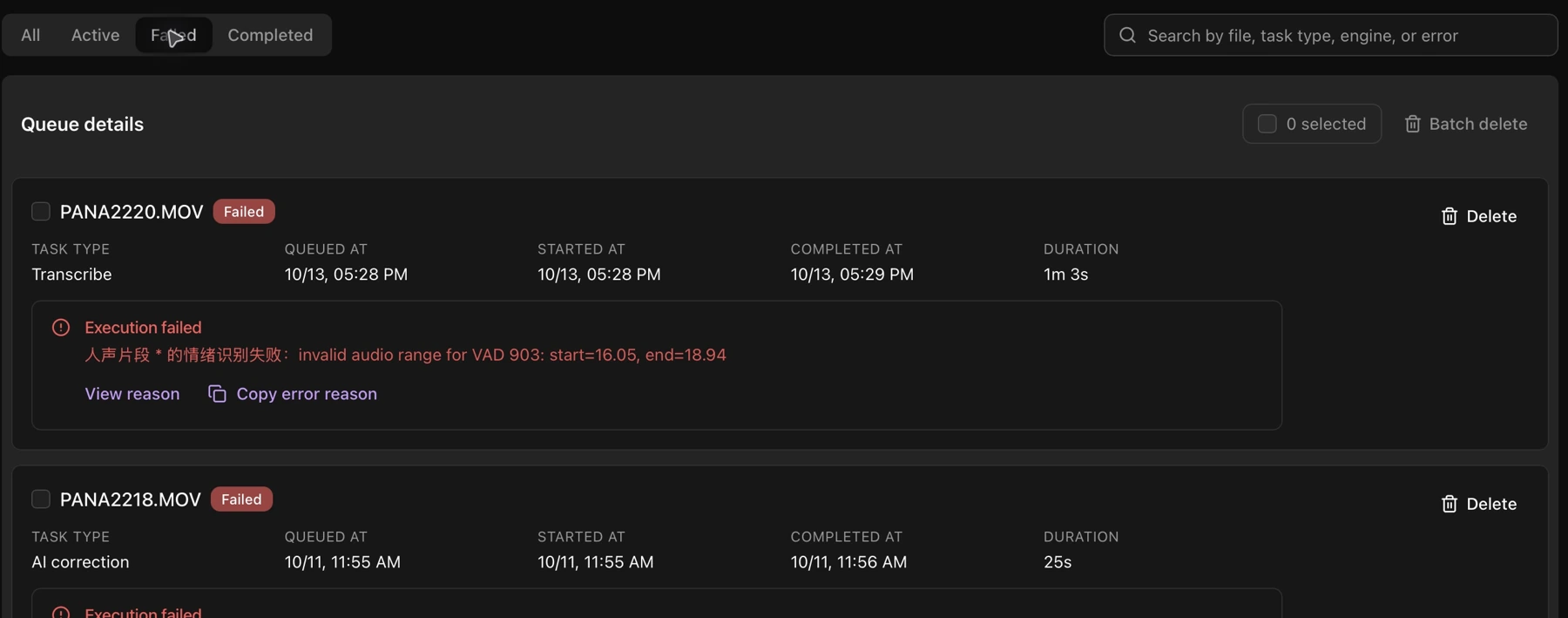
A compact queue also appears below Explorer. Drag its top divider to adjust the height. Task records can be removed individually or selected for batch deletion.